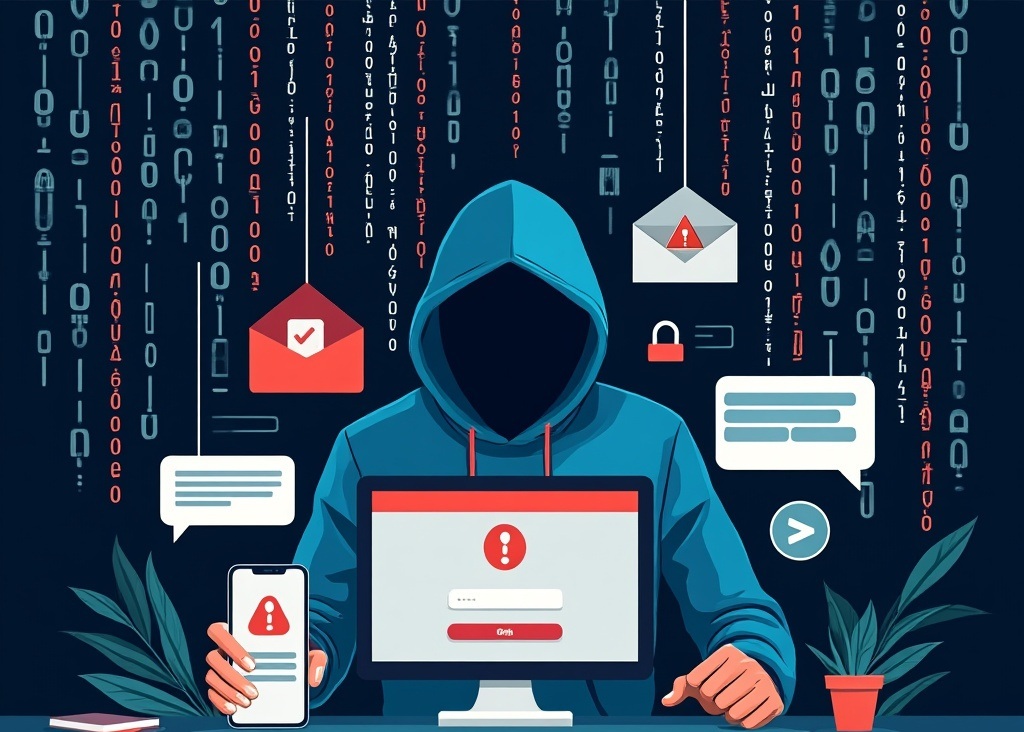
Phishing is just fishing with a keyboard. Someone dangles a convincing enough lure, an email, a text, a call, and waits for one person to bite. That’s the whole attack. No malware genius, no elite hacking crew. Just someone impersonating a bank, a vendor, or your own CEO well enough that a busy employee clicks without thinking twice.
It works because it’s aimed at people, not firewalls, and people are busy, trusting, and used to clicking links all day.
The three versions you’ll actually run into
Email phishing is the original and still the most common. A message shows up that looks exactly like it’s from your bank, Microsoft, or a vendor you actually use, complete with the right logo, the right sender name, and a login page that’s a pixel-perfect copy of the real one. The only real tell is usually the URL, and that’s the one thing people don’t check when they’re moving fast.
Smishing is the same con over text message: a fake delivery notice, a fake bank fraud alert, a “your account needs verification” link. People trust texts more than email, which is exactly why this works.
Business email compromise is the expensive one. An attacker either spoofs or actually breaks into an executive’s email and sends a request to someone in finance: wire this vendor, update this bank account, buy these gift cards for a client meeting. It’s targeted, it’s patient, and it’s the version that empties bank accounts instead of just harvesting a password.
What actually gives it away
Forget “poor grammar” as your main defense. Modern phishing is often well-written. What still gives it away almost every time: urgency (“do this in the next hour or the account gets locked”), a request that skips your normal process (a new bank account, an unusual payment method), and a sender address that’s close but not quite right if you actually look at it instead of just the display name. Hovering over a link before clicking, to see where it actually goes, catches most of these before they go any further.
What actually stops it
Training helps, but only if it’s real and recurring, not an annual video nobody remembers a month later. Simulated phishing tests that show people what an attack actually looks like, run quarterly instead of once a year, make a measurable difference.
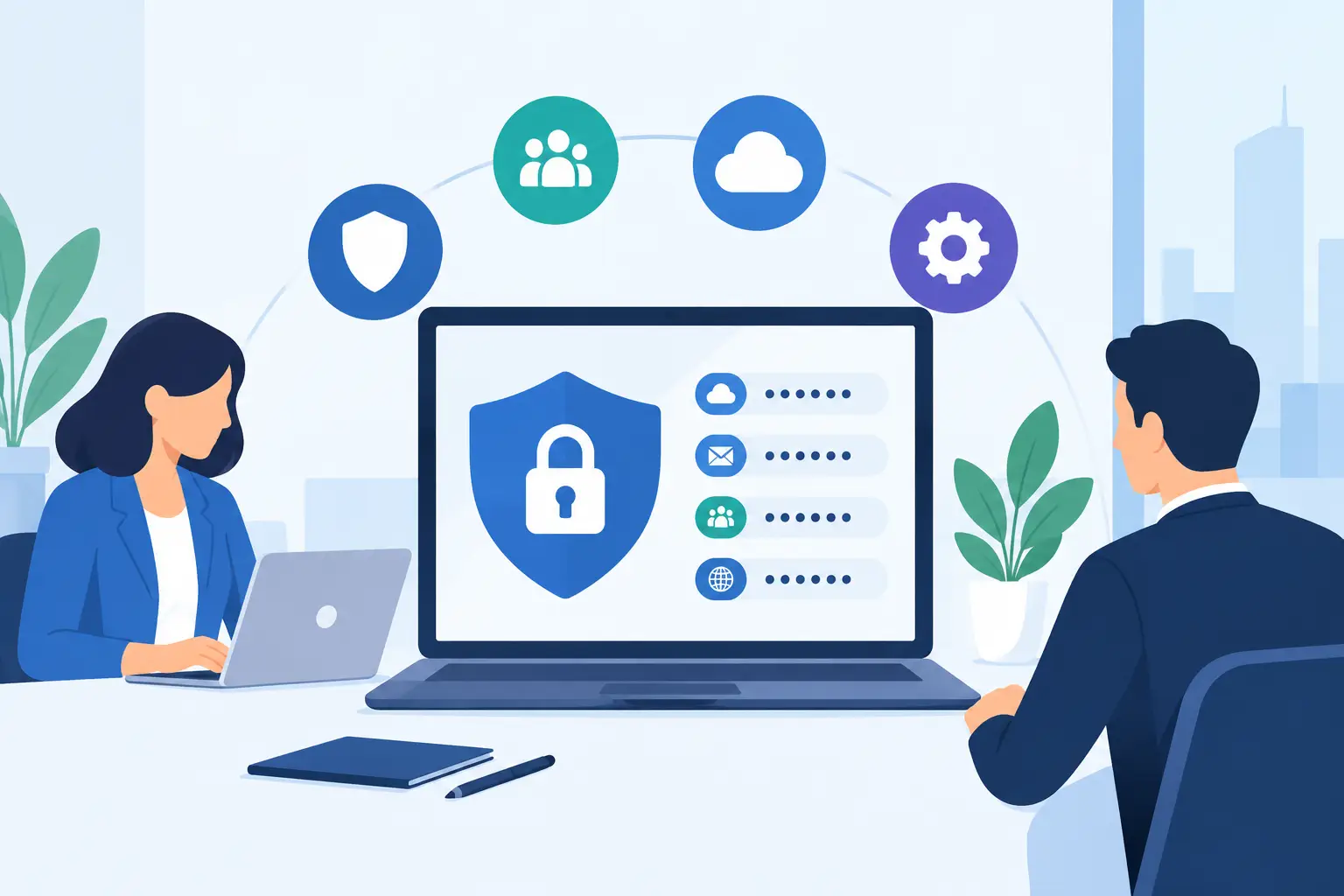
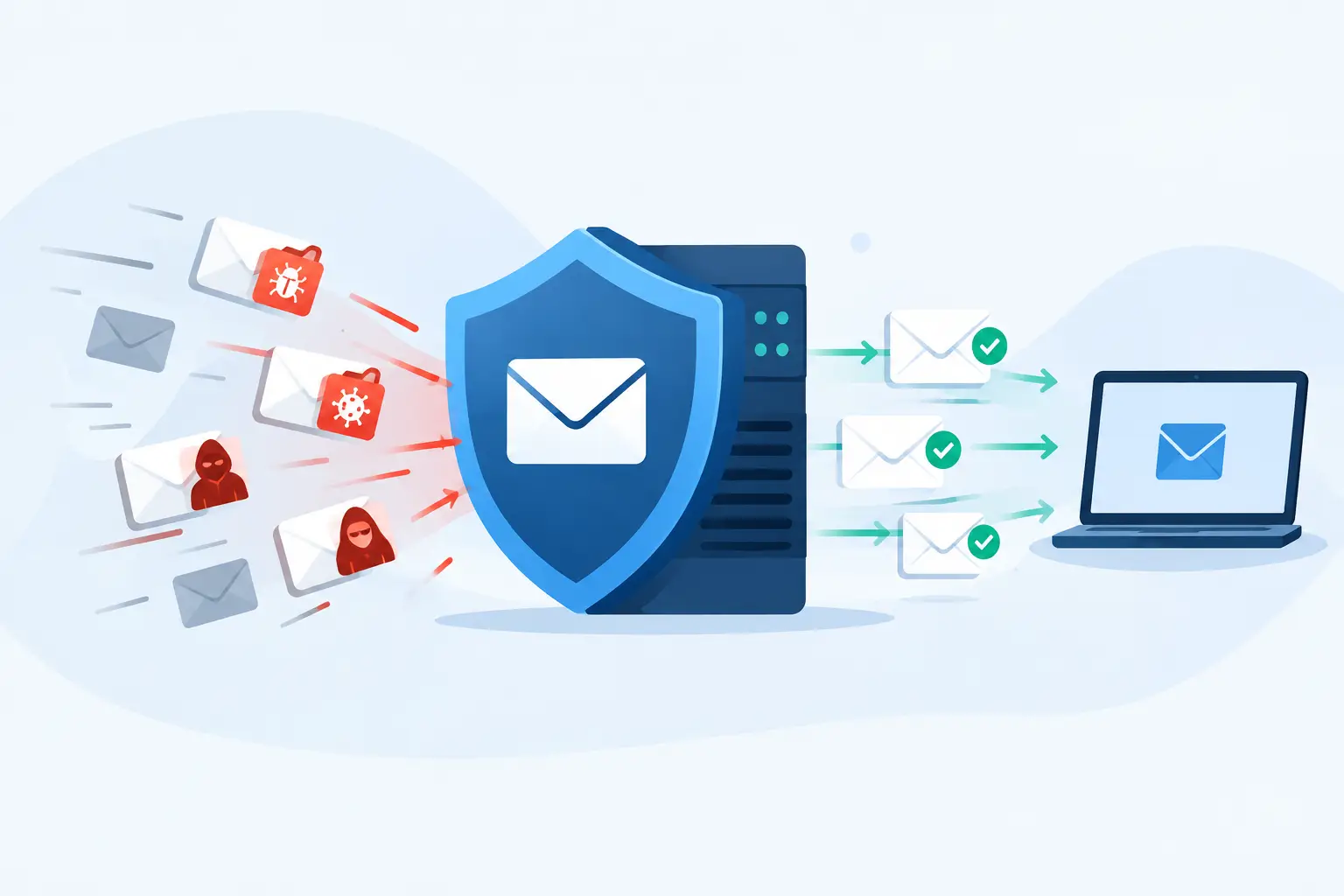
Beyond training, a few technical layers do most of the real work: multi-factor authentication so a stolen password alone isn’t enough, spam filtering that catches the obvious stuff before it lands in an inbox, and email authentication (DMARC, SPF, DKIM) that makes it harder for someone to spoof your own domain in the first place.
If someone already clicked
Change the affected password immediately, from a different device than the one that was compromised. Then check for anything else touched by that account: forwarding rules quietly added to the mailbox, files accessed, other logins from unfamiliar locations. If money moved, call the bank immediately, not tomorrow; wire fraud has a short window where a reversal is even possible. And tell whoever handles your IT or security, even if it feels embarrassing. The faster it’s reported, the smaller the damage usually ends up being.
Phishing isn’t going away, and the attacks keep getting better at impersonating the people you actually trust. We help clients put the layers in place, MFA, filtering, training that actually sticks, so one clicked link doesn’t turn into one very bad week.